Get SharePoint user from user information list
This activity allows to get the SharePoint user from a user information list and store the result in variable.
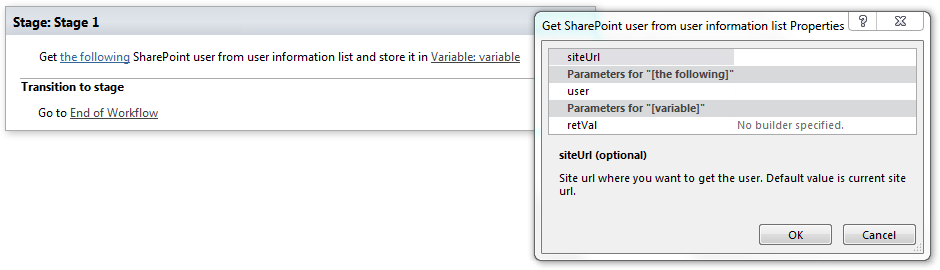
Parameters
Input parameters
| Parameter | Description | Example |
|---|---|---|
| siteURL (optional) | Site URL where you want to get the user. Default value is current site url. | https://contoso/SiteUrl; https://contoso/Sites/SiteUrl;[%Workflow Context:Current Site URL%]/subSite |
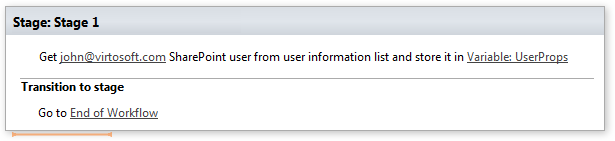
| The following user | User id, login name or email which you want to get. | john@virtosoft.com |
| Variable:dictionary | After successful workflow execution contains user | |
| information. |
Example
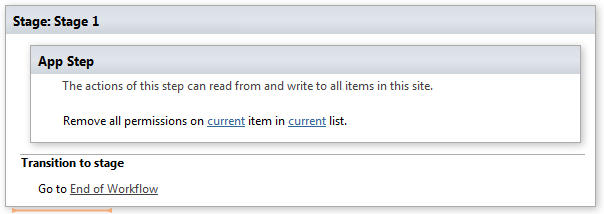
**Note:**We recommend you to run all Virto Permissions actions inside App Step to avoid failing of your subsequent actions inside the workflow.
Example