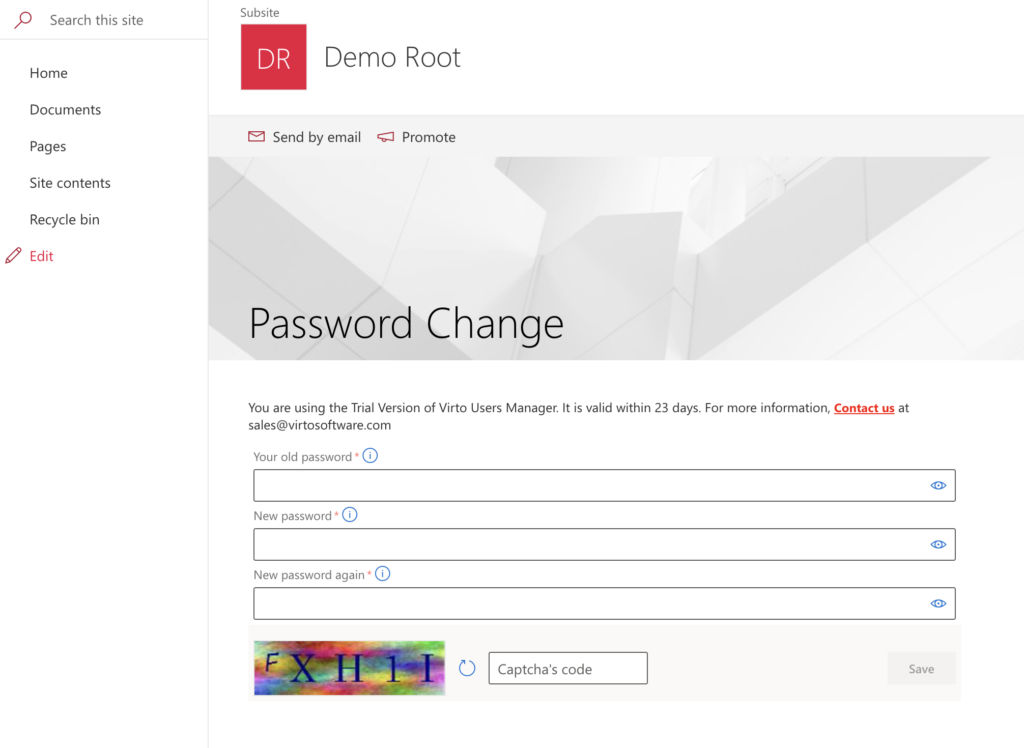
Installing a web part in SharePoint Modern experience
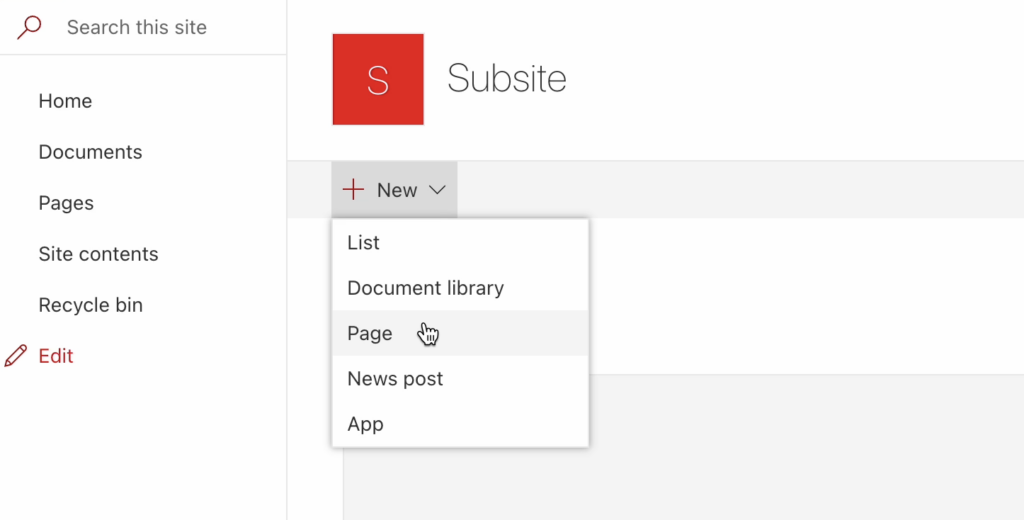
First, create a page where you want to add your web part.
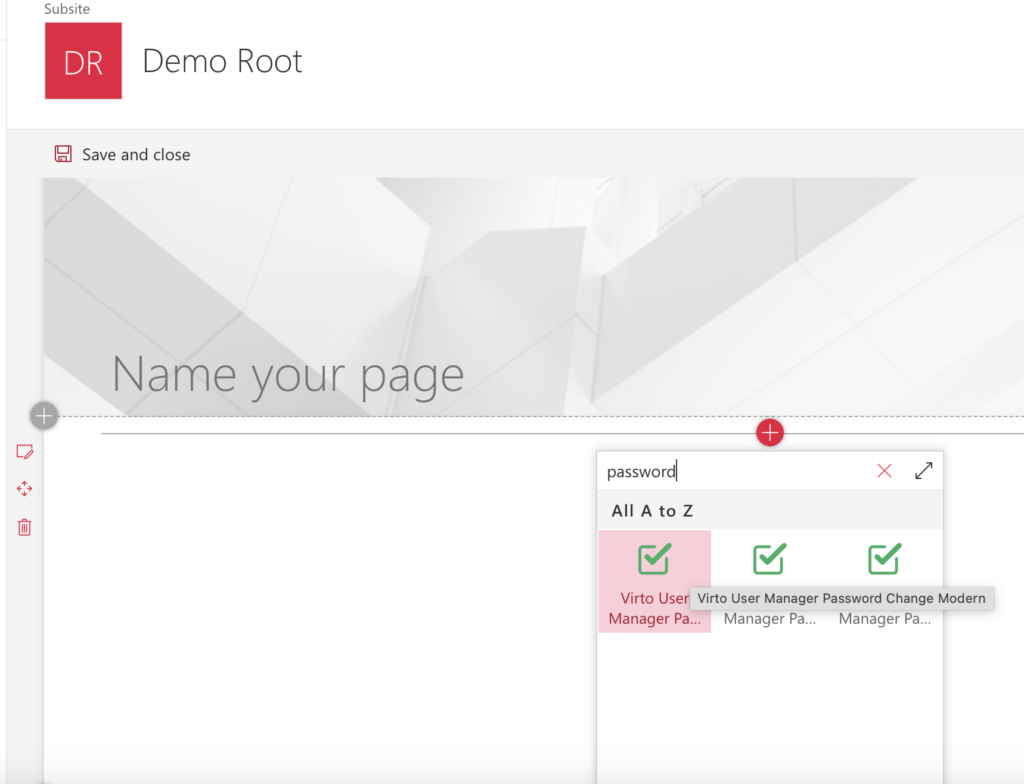
Click +, then type the name of the web part to find it. Click it to add it to the page.
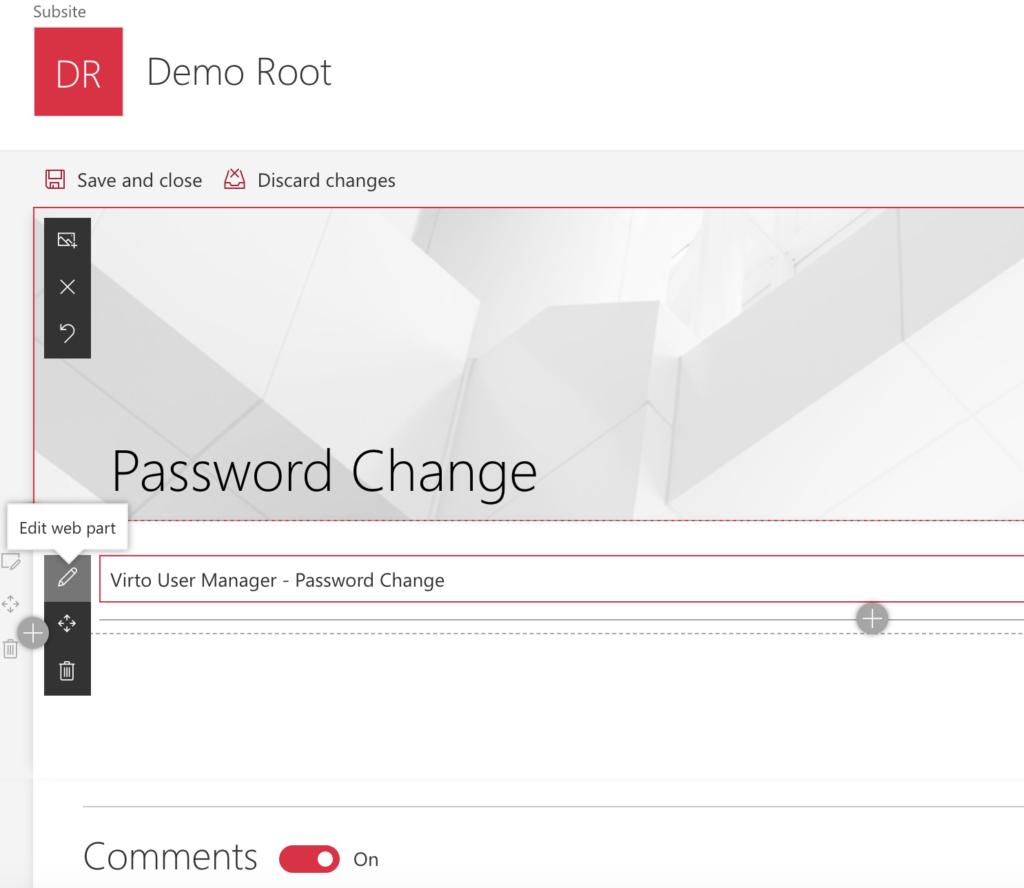
Give your page a name, then click the pencil icon (Edit web part) to open its settings.
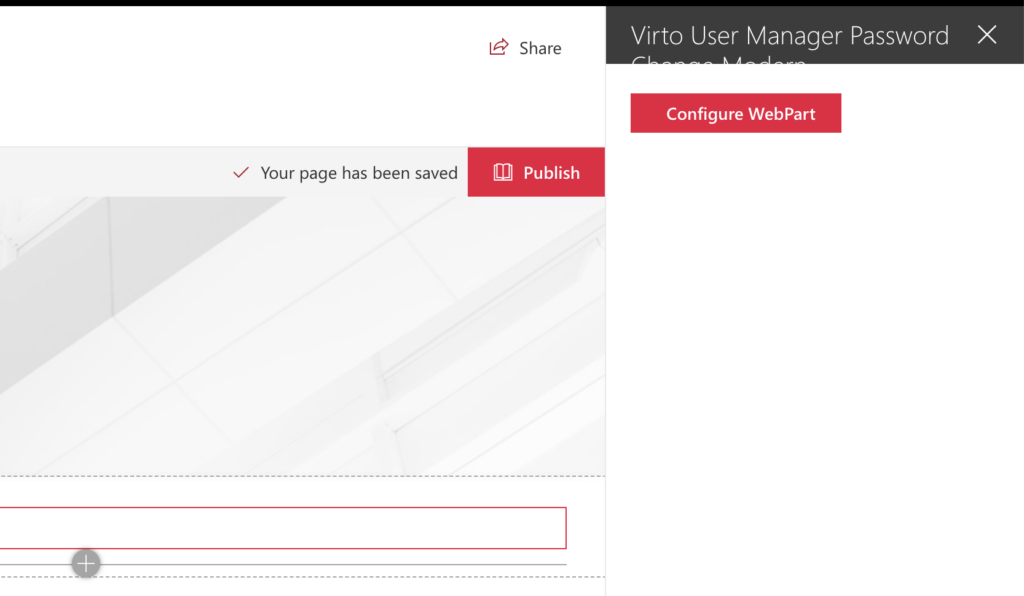
Click Configure WebPart.
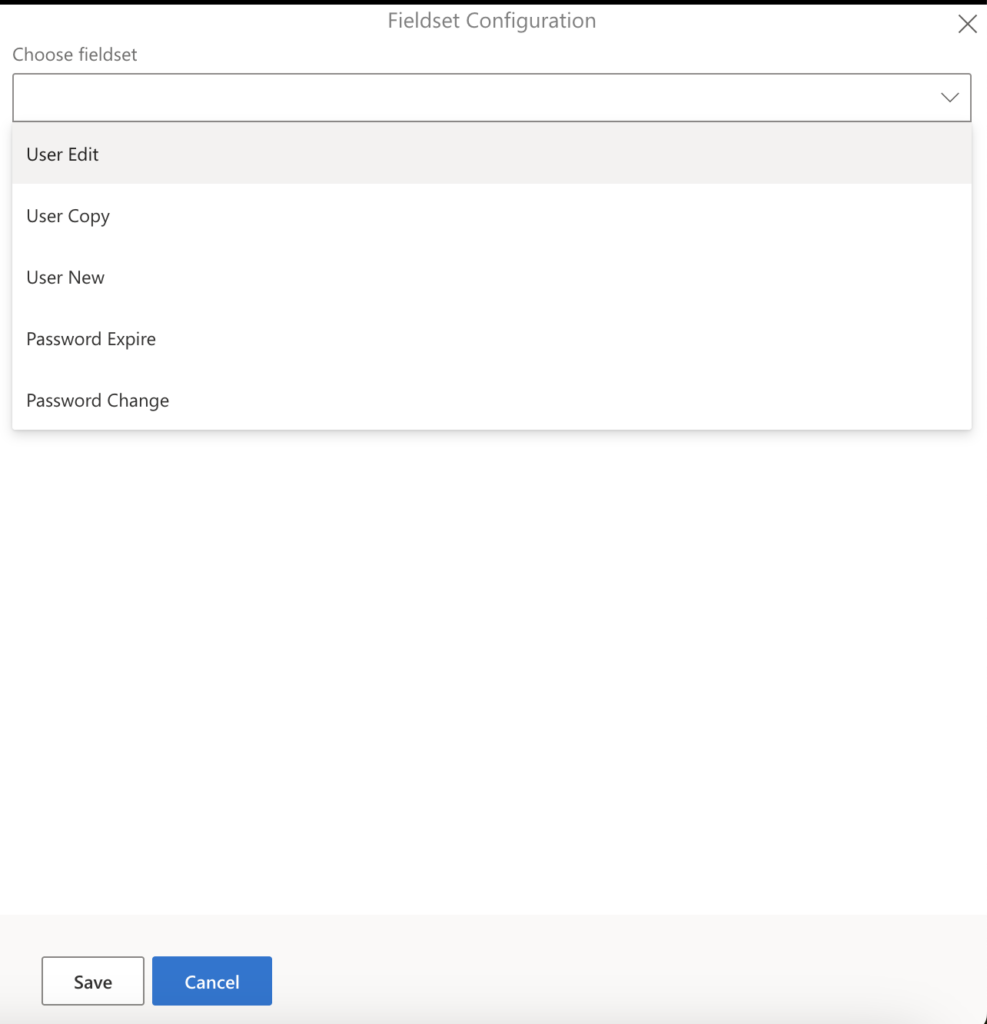
From the drop-down menu, select a fieldset and click Save.
Finally, click Publish.
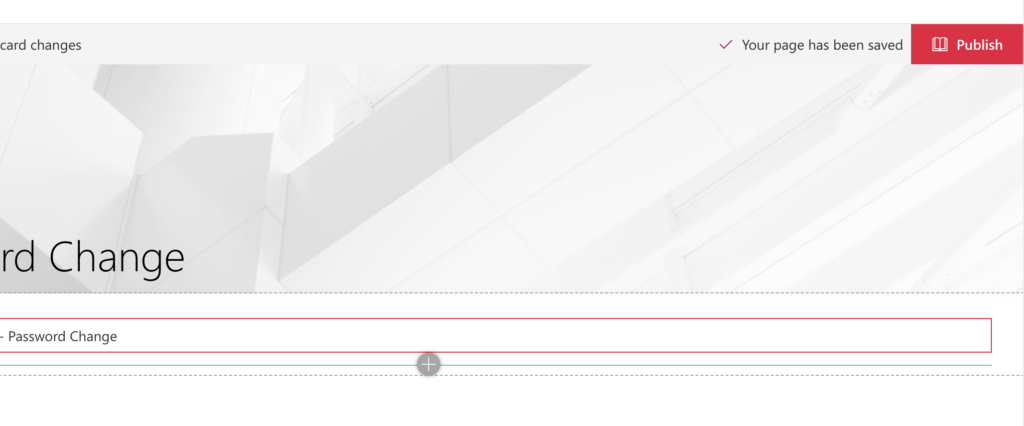
Your web part is now ready to use.