
Image Options
“Image Options” settings block enables to define preferences for shown pictures.

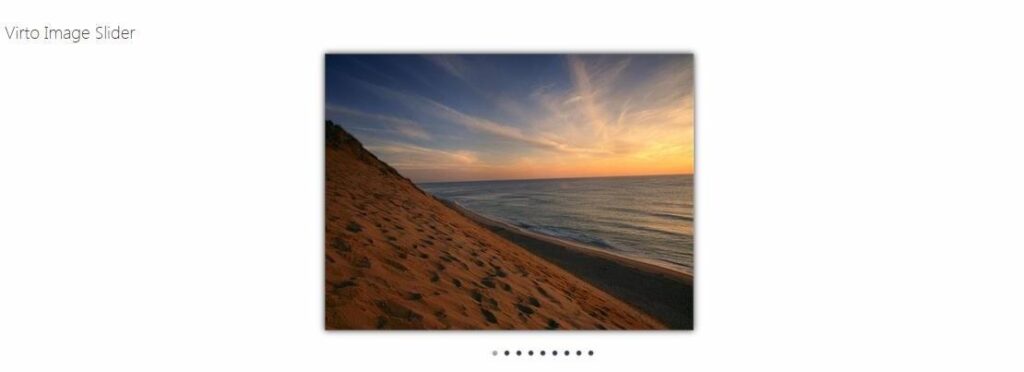
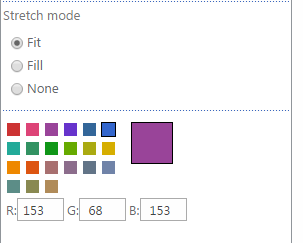
You can define width and height of shown pictures. However the picture will be displayed according to the set Stretch mode:
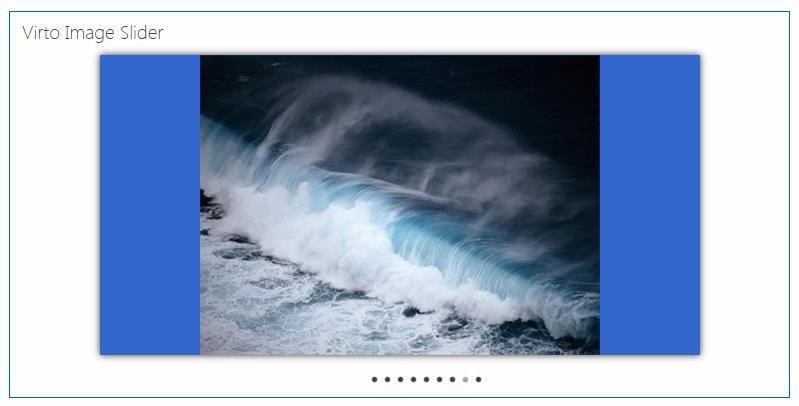
- Fit– pictures will be scaled according to original proportions; Original size is 400x300, we set 600x300 px
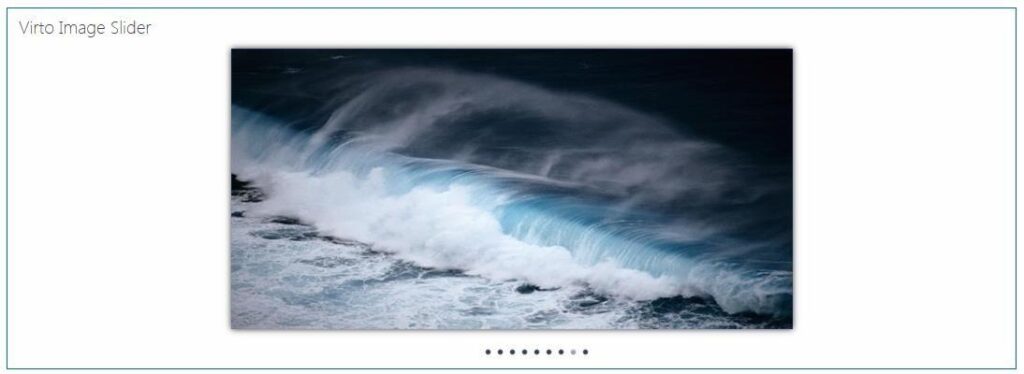
- Fill– pictures will be stretched to set size. If a picture is smaller than defined size, it will be stretched to reach defines size. If a picture is larger, only its part will be stretched.
Original size is 400x300, we set 600x300 px
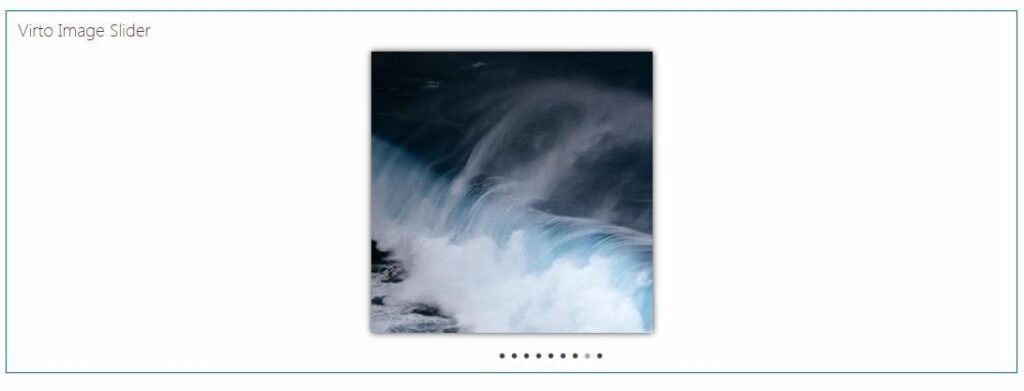
- None– picture will be cut.
Original size is 400x300, we set 300x300 px
It is possible to use colored background when shown pictures are small and displayed in “Fit” mode.
Use RGB code to define a required color.
Click “OK” or “Apply” to save the settings.