
Users
Switch to the page edit mode and find the “Users” tab. It contains the list of app administrators with full permission.

The App Administrators have the rights to:
- edit charts and resources (chosen users can manage lists that are available for them according to their access level predefined in SharePoint permissions);
- set default chart;
- edit subscription;
- edit App Administrators list.
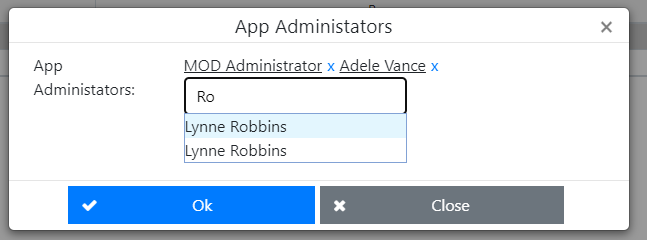
The user who added the app receives the App Administrator status for this app automatically. This user can add other administrators.