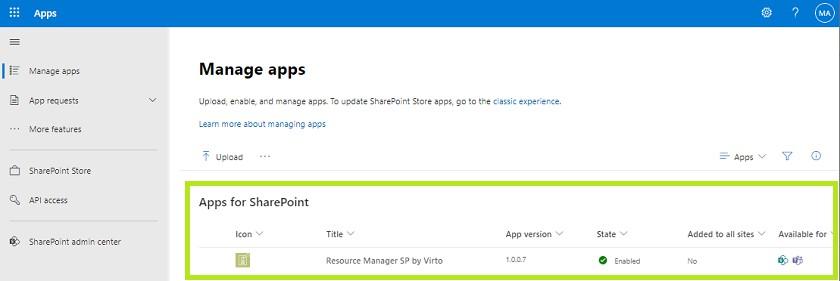
Adding App to Modern SharePoint site and Teams
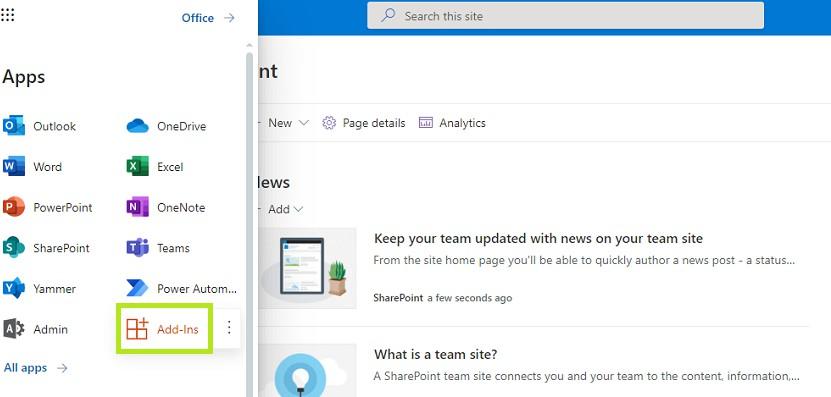
Download the SPFx app from the Microsoft store and install it. Open Appson your SharePoint site.

Choose Add-Ins.
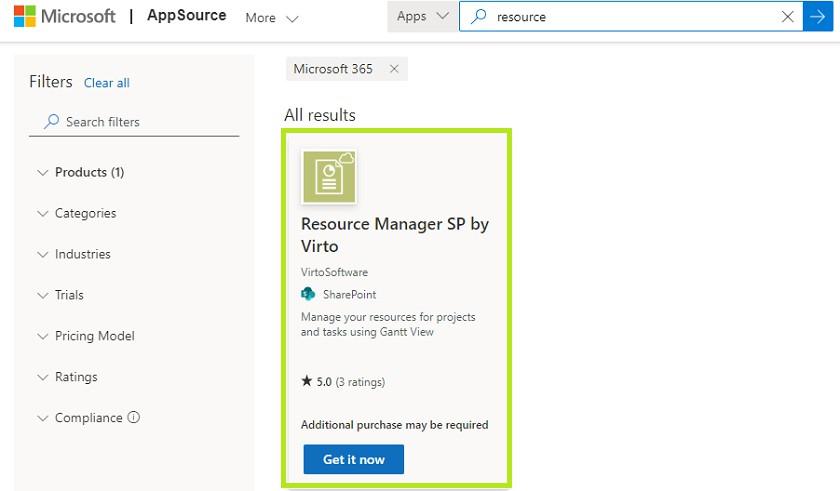
Then search for Virto Resource Manager for SPapp and click “Get it now”.
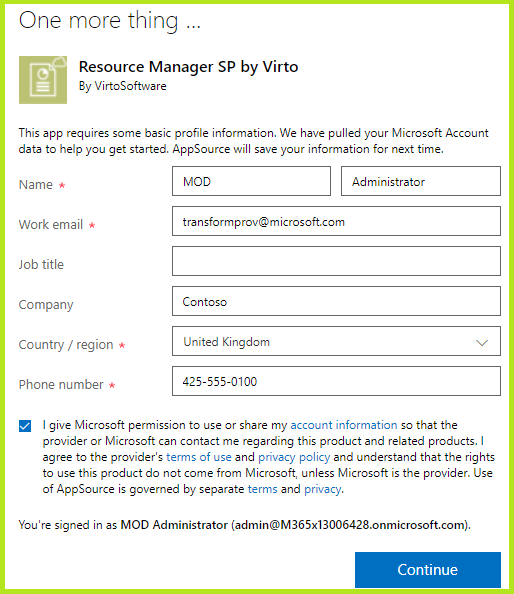
You may be offered to fill in the form. Please enter the required data in this case.
Then follow the steps as described on the Add Apps for SharePointpage.
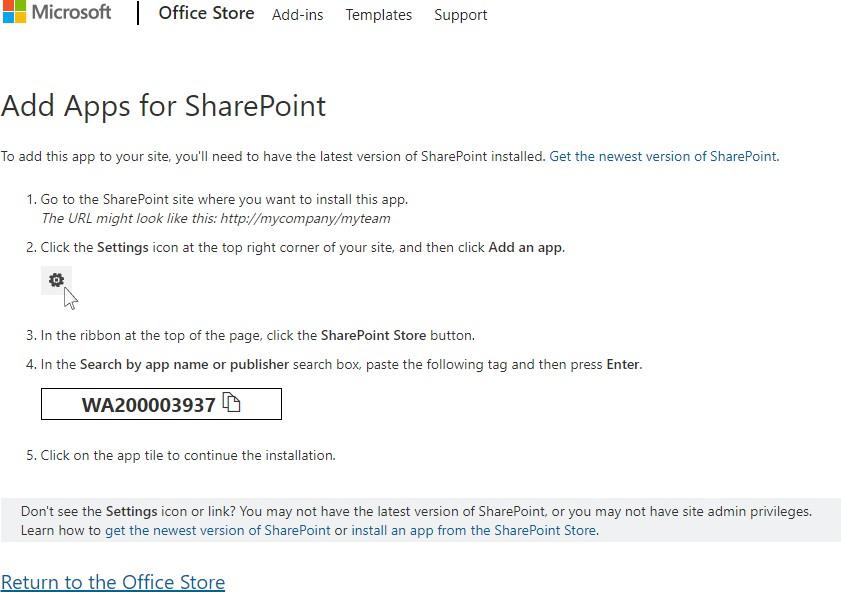
Add the Resource Manager SP by Virto.
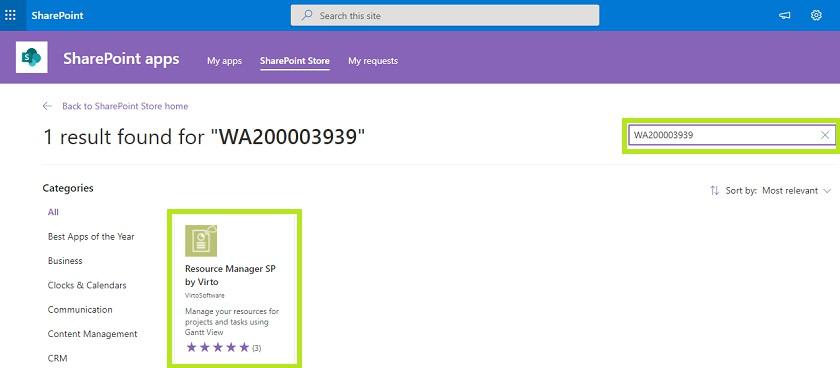
On the next step, you may see either the “Purchase” or “Request” button.
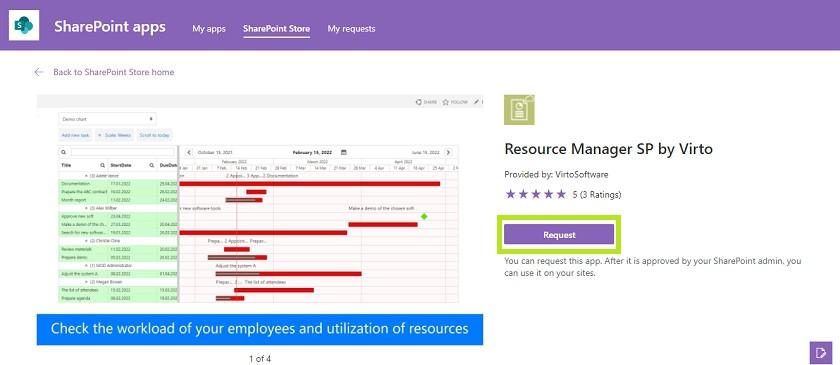
If you see the “Purchase” button, click it and skip the step described below.
And in case you see the “Request” button, click it, and refer to your SharePoint administrator. The
SP admin should go to SharePoint Admin Center (Apps – Adminor type https://admin.microsoft.com) and find More features — Apps.
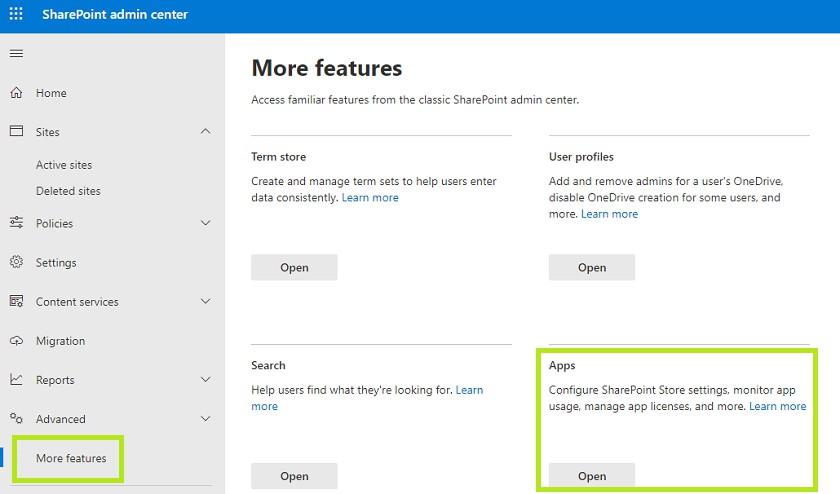
And in the App catalog under Pendingapps find the Resource Manager App and approve it.
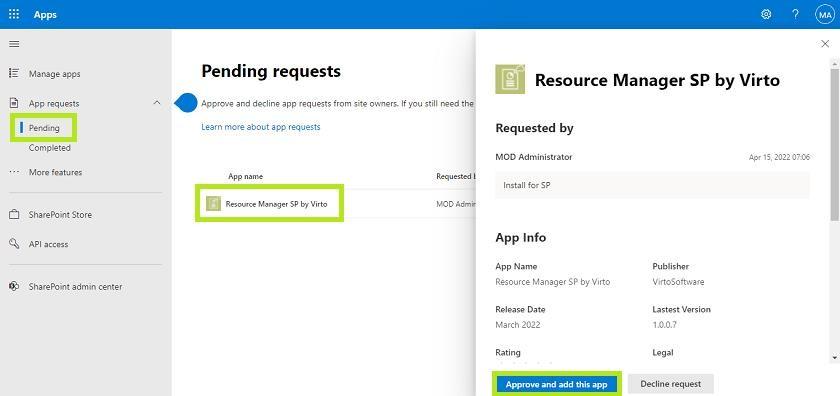
Check the app approved in the Apps catalog available for SharePoint and Teams.