Message Template Settings
Switch to the Message Viewtab.
There you can see default alert tags in message body, which you can change as well as any other information in a message.
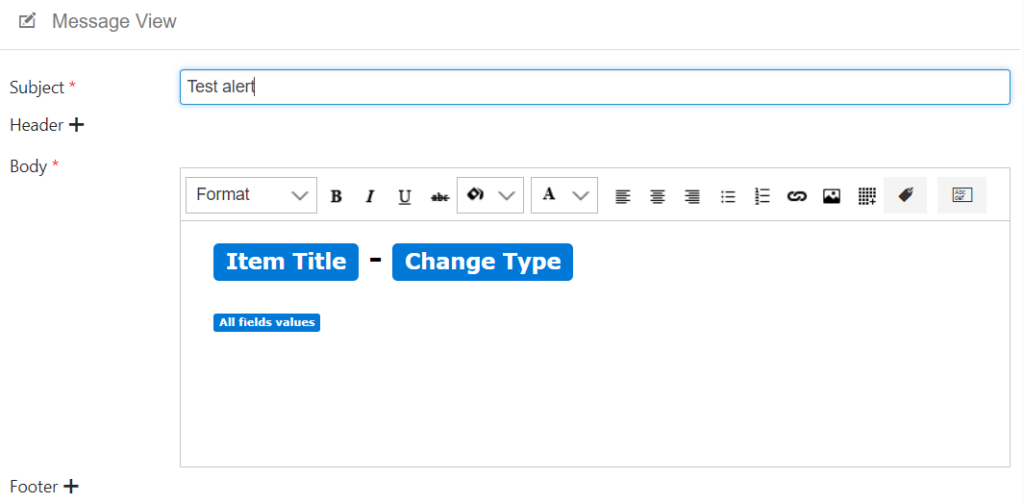
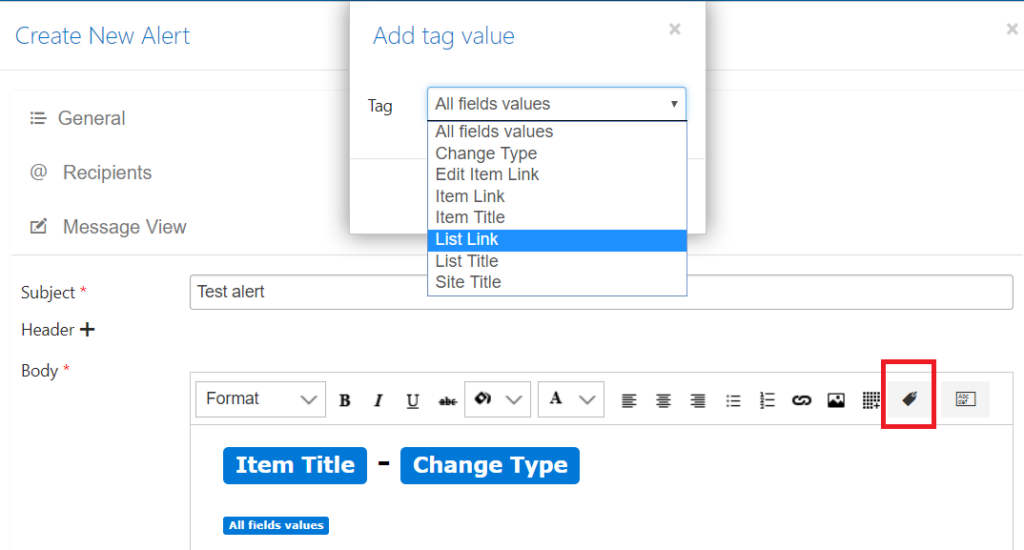
Default tags are already displayed on message body. You can delete them and add your tags by clicking on tag icon.
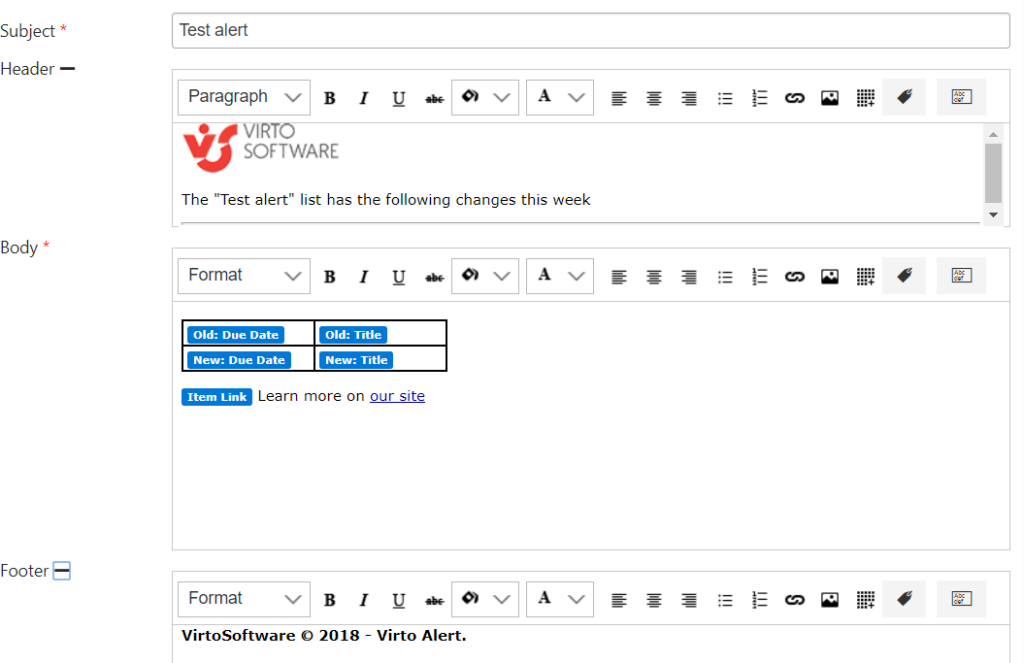
Click “+” next to Header or Footer to open and customize these sections.
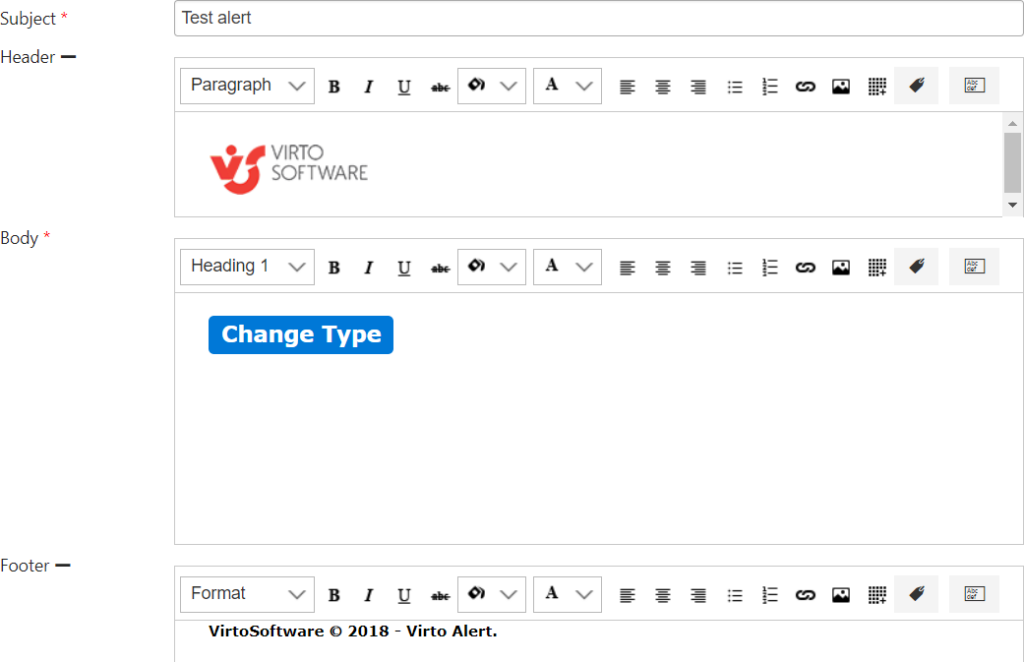
The “Body” section allows you to define a message view for recipients. The result of template adjustment may look this way:
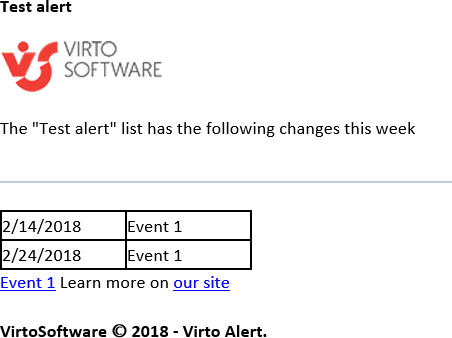
Alert recipients receive email messages as follows: