
Updating and uninstalling
Update
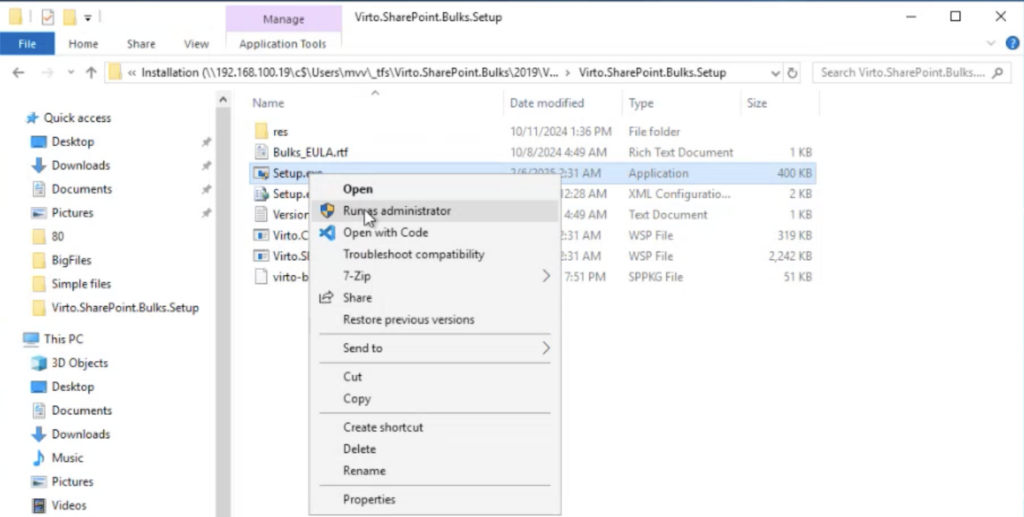
To update the Virto Multiple File Operations web part, run the Setup file under the administrator account (right-click the Setup file and choose “Run as administrator“).
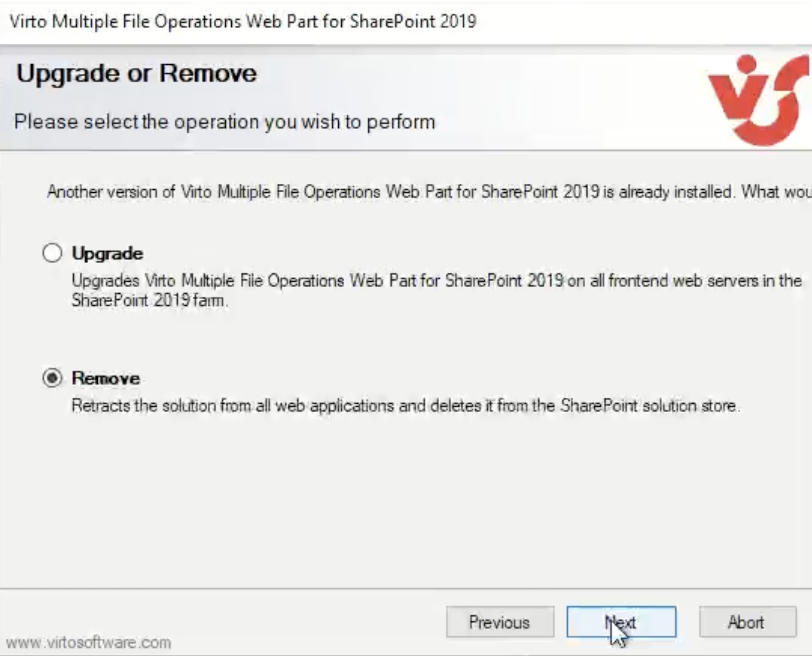
Then select the “Upgrade” checkbox and click “Next.”
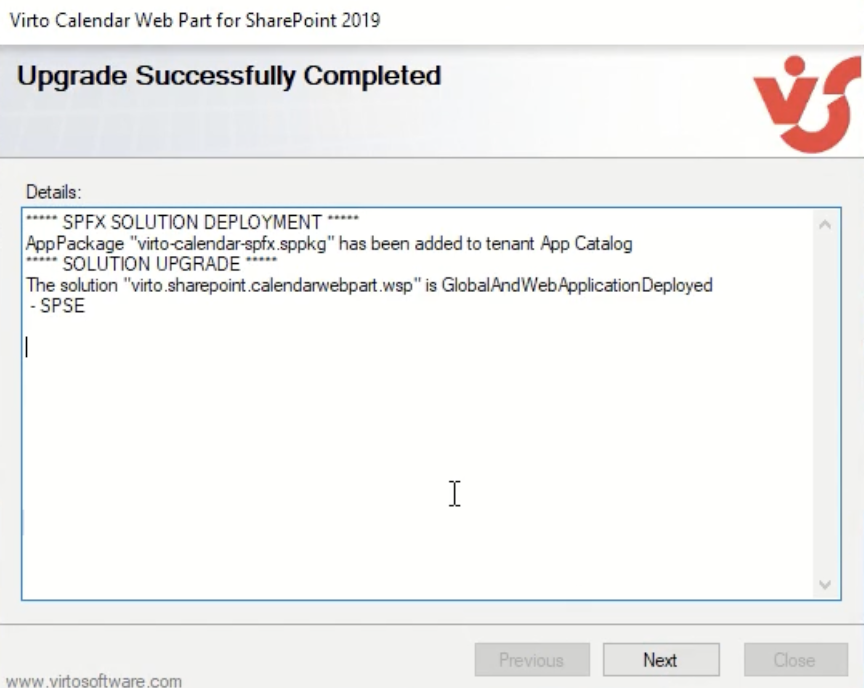
Wait for the product to upgrade. Click “Next“.
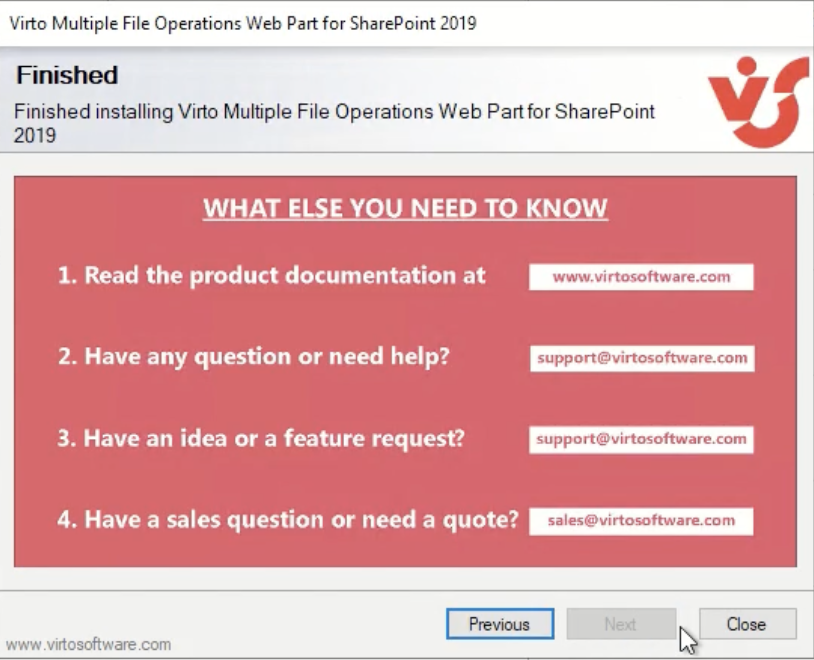
Click**“Close”** to complete the upgrade.
Uninstall
To uninstall the Virto Multiple File Operations web part, run the Setup file under the administrator account (right-click the Setup file and choose “Run as administrator“).
Then wait for the setup wizard to run all the necessary checks. Click “Next.”
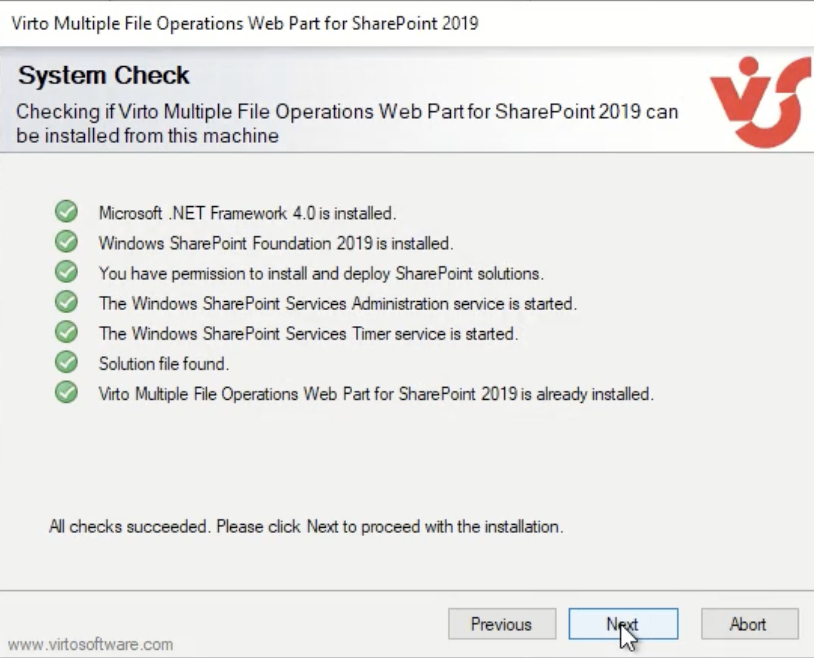
Select the “Remove” checkbox and click “Next.”
Wait for the product to uninstall.
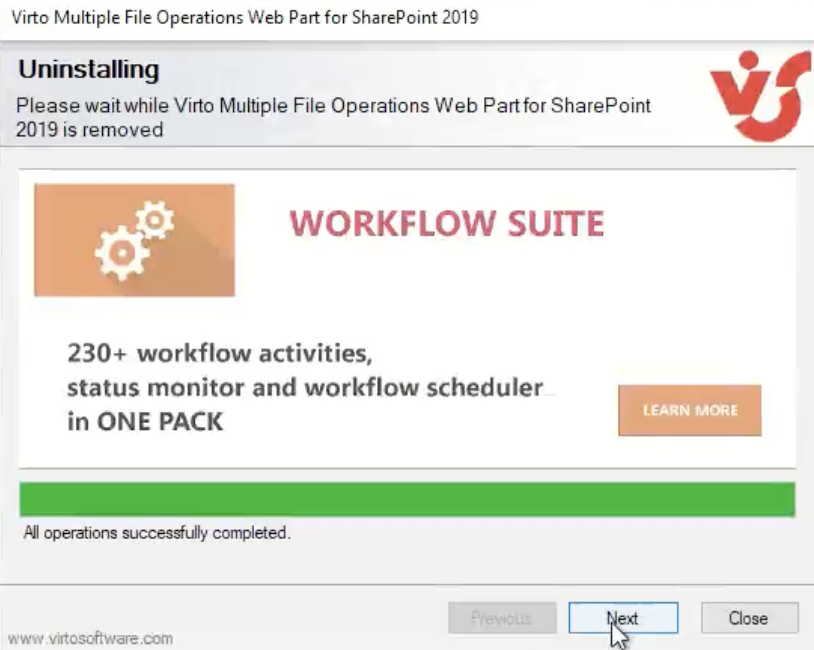
Click “Next“.
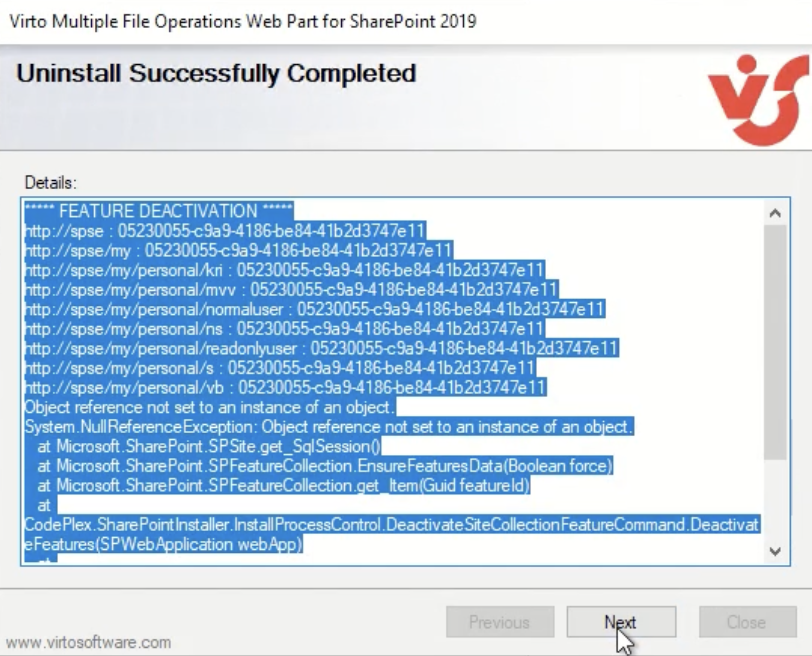
Click “Next” once again.
Click “Close” to finish the uninstalling.