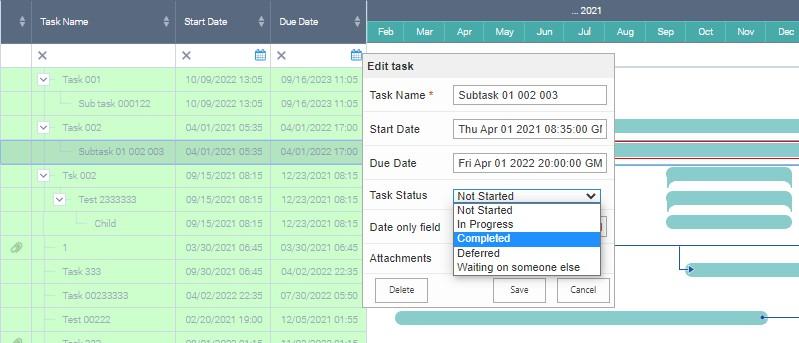
Editing and Deleting a Task
If you need to edit a task, just make a double click on it. The edit form will appear where you can make all the necessary changes.
Note*: if the data source is read-only, view form will appear but you cannot make any changes. If data source is not read only, you can also delete the task. Just click “Delete” in the form.*