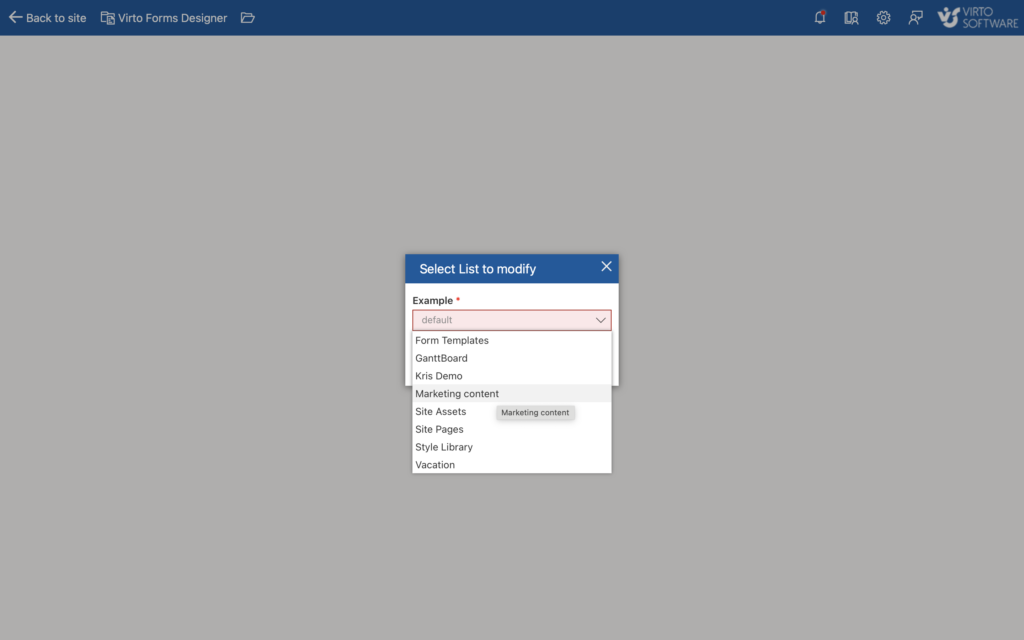
Installing Virto Forms App for Microsoft 365
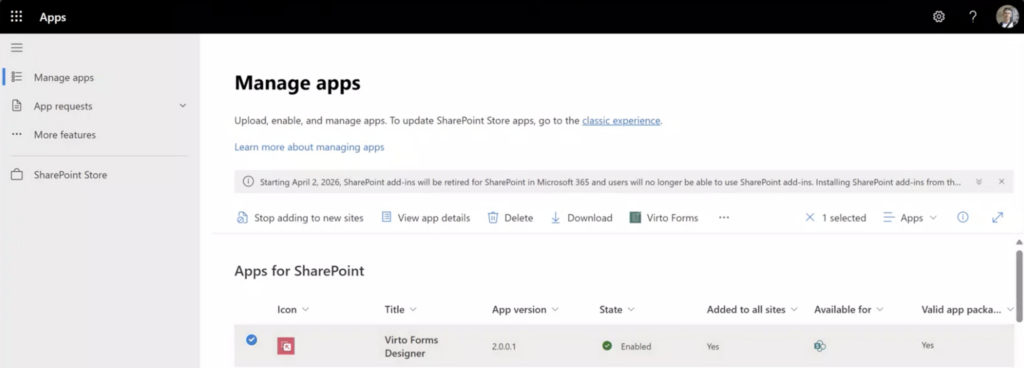
- Add the Virto Forms Designer from Microsoft Sharepoint Store.
- The app will appear in the Admin Center at
https://[your domain].sharepoint.com/sites/appcatalogand on the ribbon.
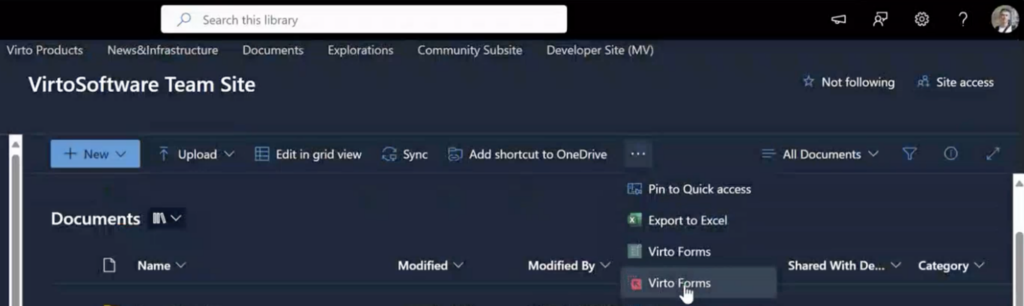
- When you click the app icon, the following dialog window will appear:
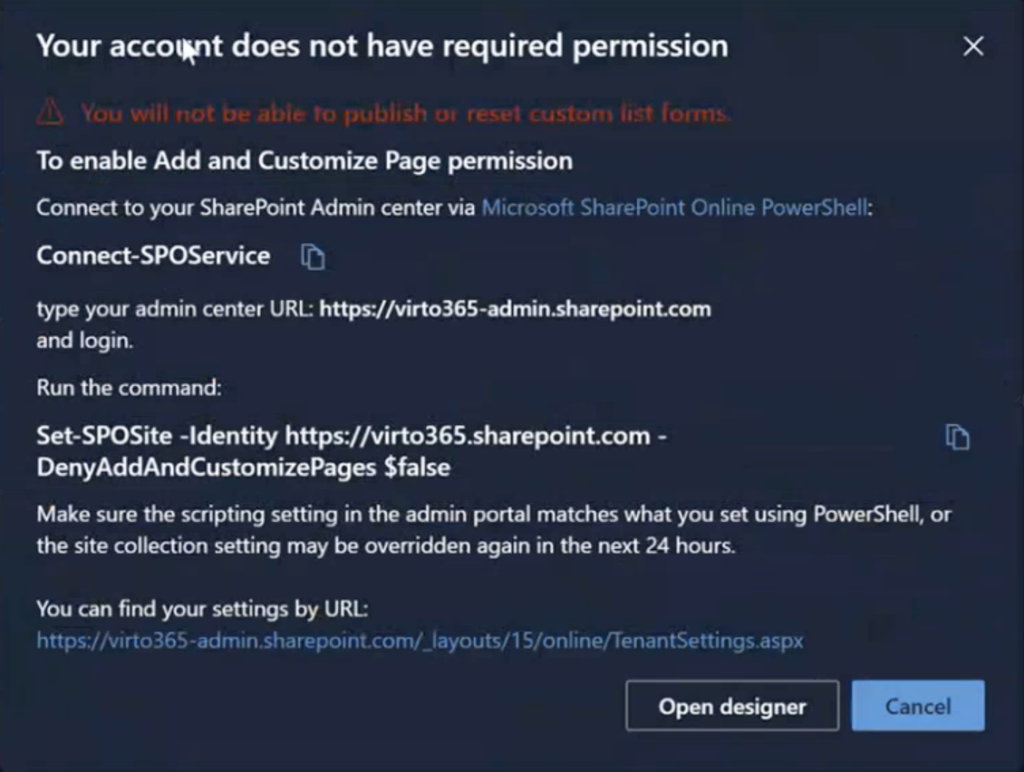
Run the specified command via PowerShell, or refer to this article to make the settings permanent.
Now you are ready to create custom forms in SharePoint, or by visiting https://forms-app.virtosoftware.com.