
Changing AD Information
SharePoint Active Directory User Service allows users to change AD information of otherusers depending on security settings.
Note*: users do not have to be authenticated in Active Directory for managing profiles. They will be able to manage other users’ AD profiles even in case they are added to the SharePoint group with such rights. SeeWho Updates Profilessection.*
Virto SharePoint Active Directory User Service web part added to the SharePoint site page looks as list of users and search line grouped by organizational units.
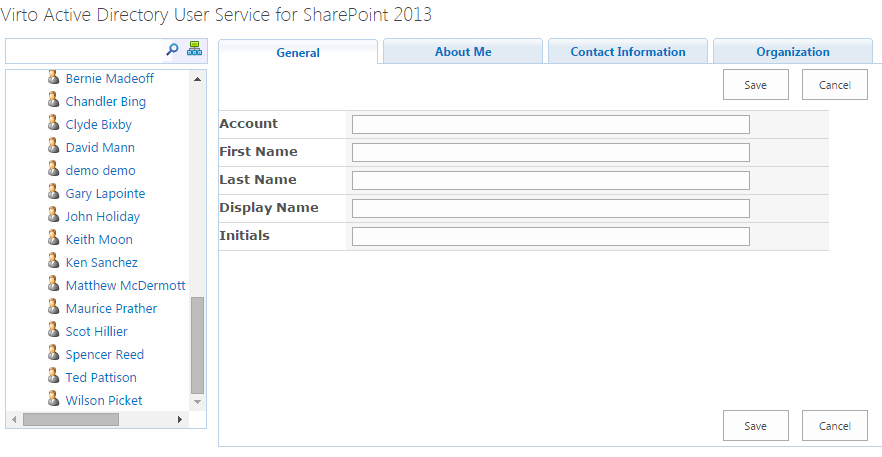
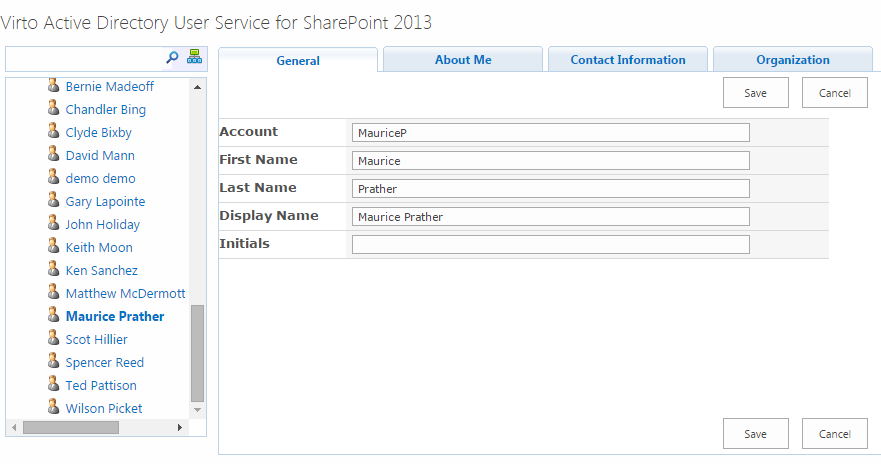
Click on required user to get information about him registered in the Active Directory.
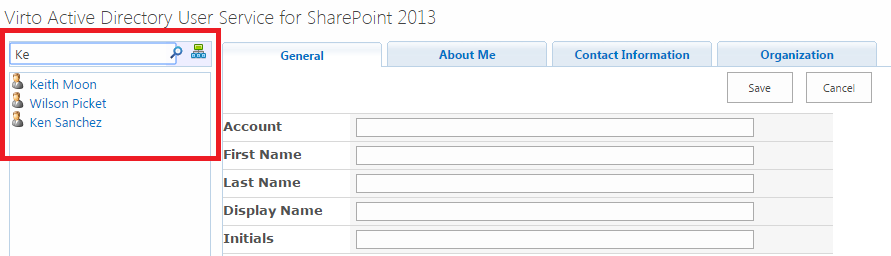
The interactive search tool is available. If the list of existing users is too long, type first letter of user’s name and select required user from the list of displayed ones.
You will see tabs with user information (three tabs are displayed by default; see section “Fields Management”).
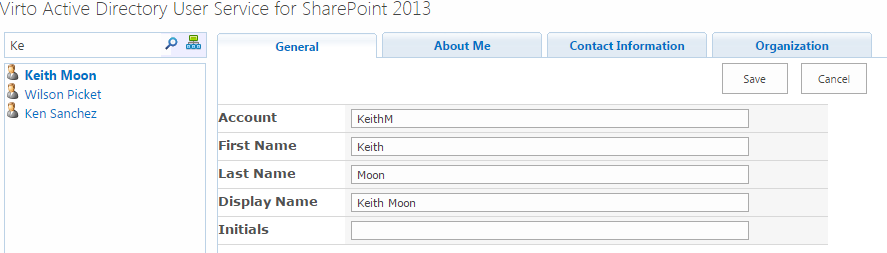
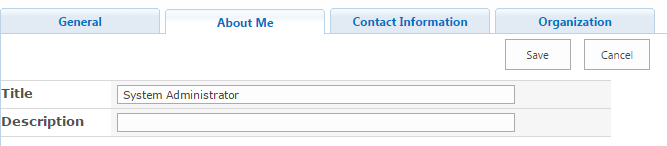
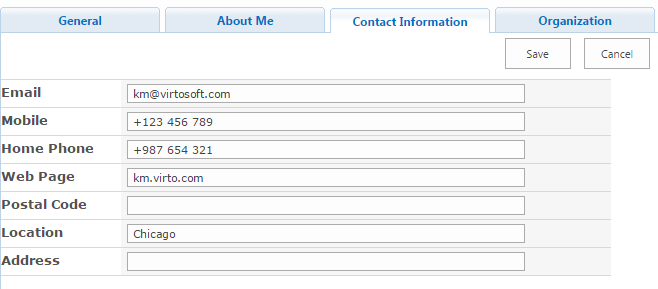
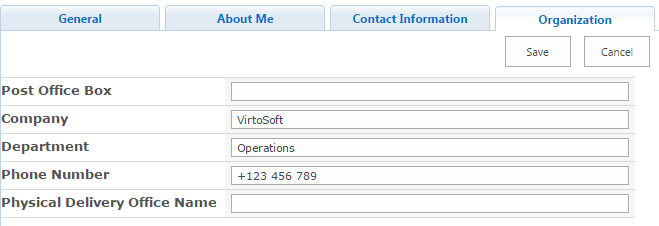
Every tab includes several fields with AD information (see section “Fields Management”).
According to the Web Part settings users can edit AD information of other users, or just view or search for it.
If it is allowed for you to edit AD information, just change it and click “Save”.