
New Views: Flat Year and Live View
- New View: Flat Year
The new “Flat Year” view provides a comprehensive overview of the entire year, making it easier to manage long-term planning needs. With this feature, users can quickly assess available time off, coordinate plans, and easily spot long weekends for better scheduling.
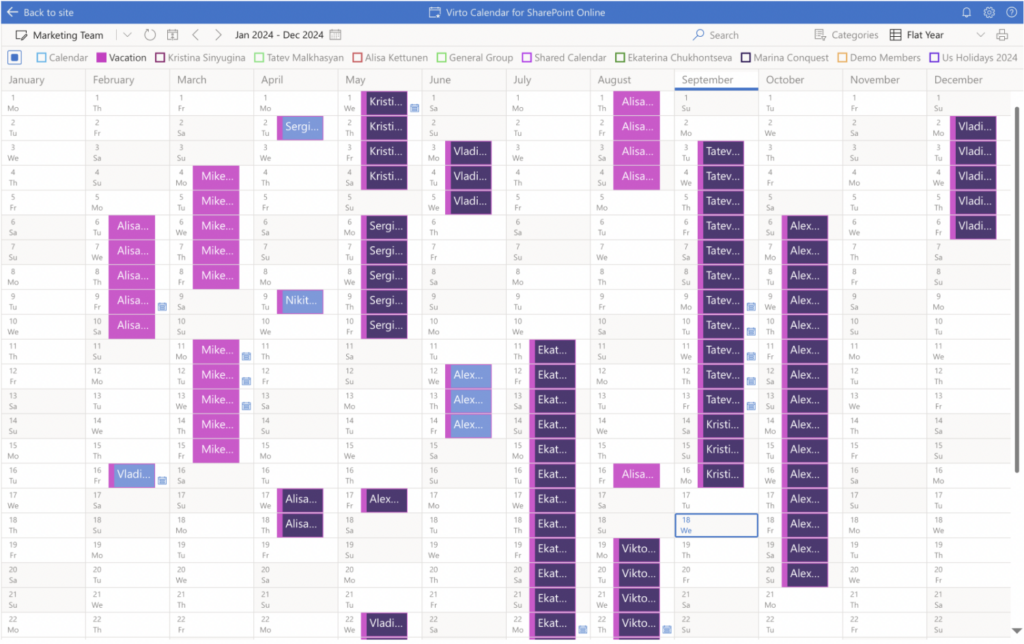
Here are some scenarios where you might benefit from a Flat Year View:
Vacation and Holiday Planning: Easily track employee vacation schedules to avoid staffing shortages. Identify long weekends to encourage work-life balance.
Project Timelines: Visualize project deadlines and milestones over the year to better allocate resources and manage workloads.
Performance Reviews: Schedule and manage employee performance reviews and appraisals by visualizing all relevant dates.
Budgeting Cycles: Align budgeting processes with key dates in the calendar year to ensure timely financial planning and approvals.
Compliance Deadlines: Keep track of important compliance deadlines and regulatory requirements that occur throughout the year.
New View: Live View.
Let us introduce another new view – Live View.
When setting up this view, you can choose how often the calendar refreshes in the day view — from 5 to 30 minutes, ensuring you always stay updated.
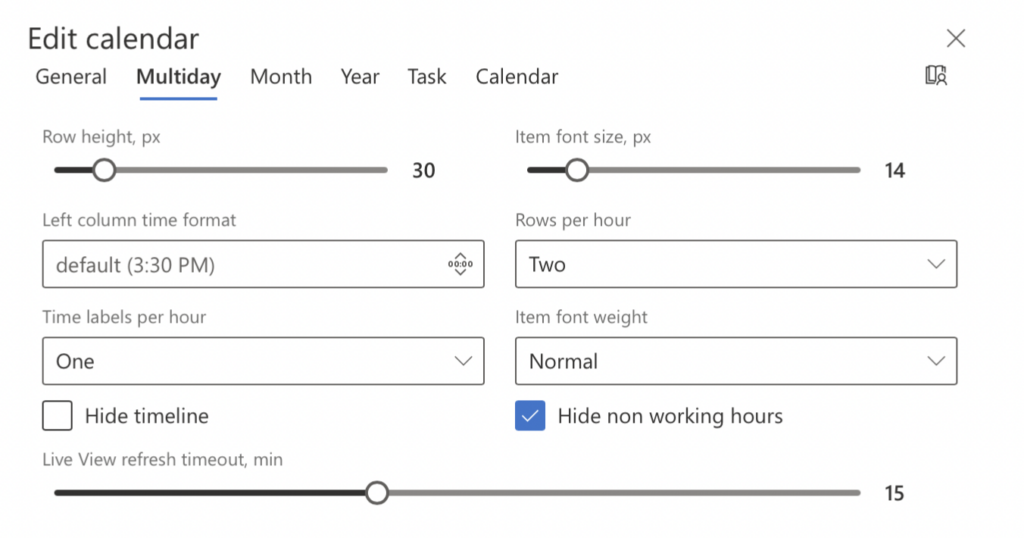
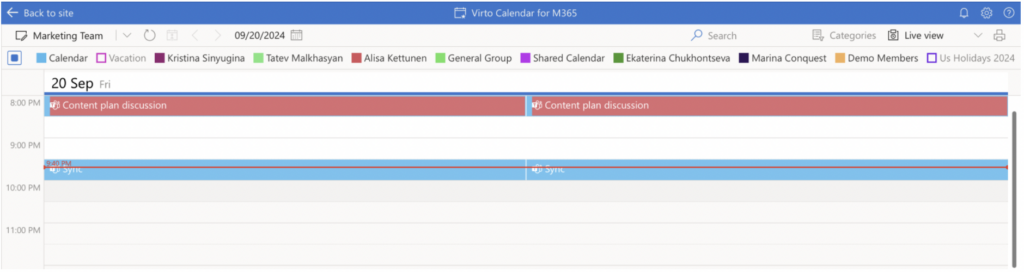
Additionally, you can choose to hide the timeline showing the current time and non-working hours for a cleaner, more focused view.