
Task information
You can customize task information and card appearance in the “Task Information” settings block.
Choose a field to be displayed as a task title. You can add any list field to display on the board (for example, task or project name).
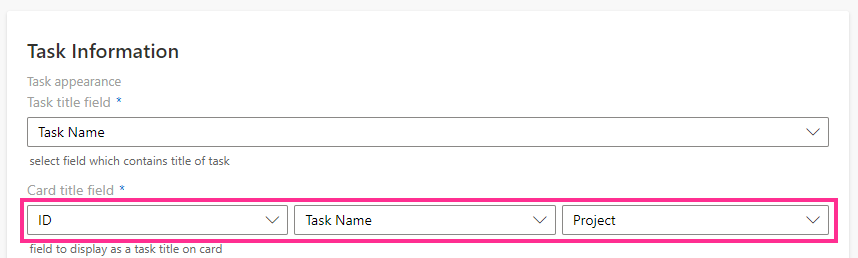
A card title may contain up to three list fields.
Then, select the field that contains the users assigned to the task.

You can select a date field to display on the bottom of a card. For example, you can display the due date field to track overdue tasks on your board or use the start date.
