
Exchange Calendar
If you want to configure notifications from your Exchange Calendar, be it your personal calendar, shared calendar, or group calendar, open Outlook and click the gear icon in the upper right corner to open Settings.

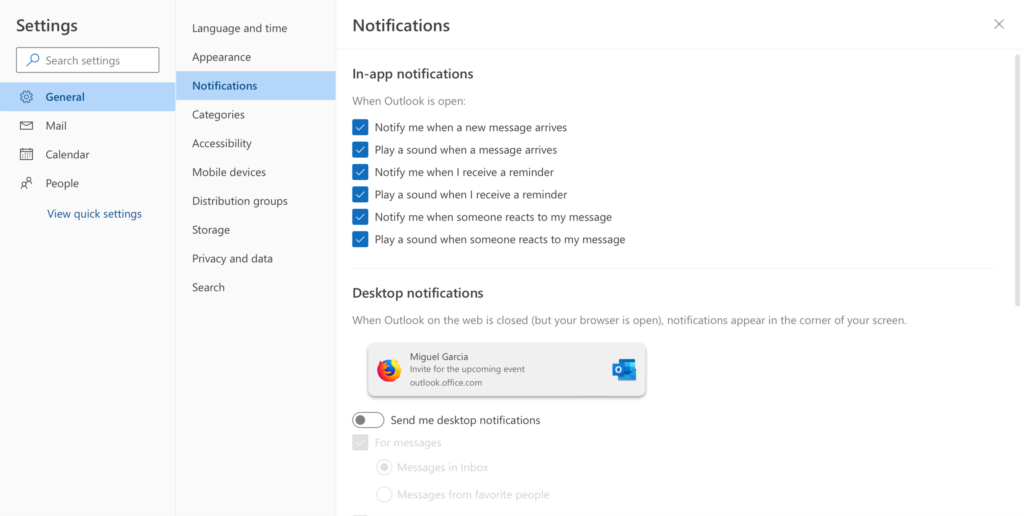
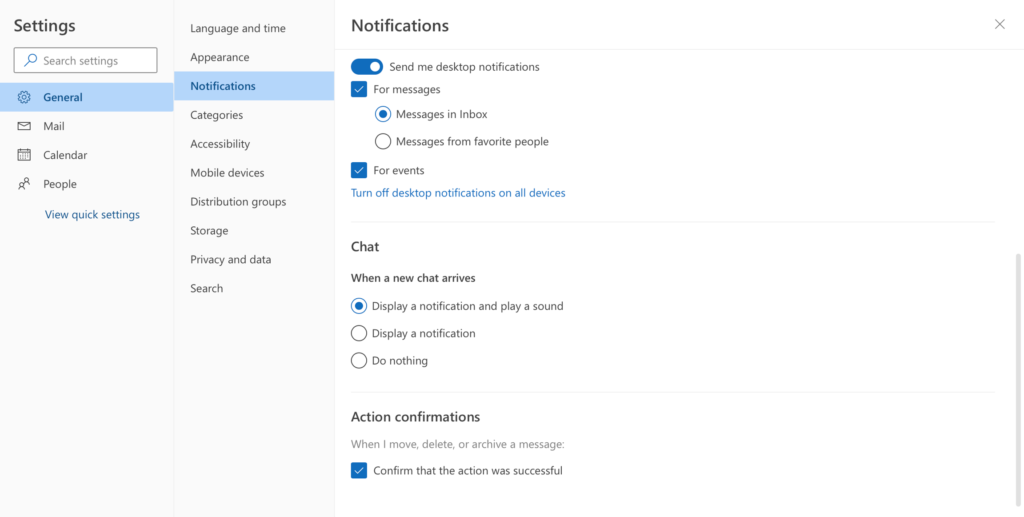
Go to “General => Notifications” and find all the notification settings, like in-app and desktop pop-ups, for incoming emails and events.
In “Calendar => Events and invitations” settings, you can find default reminder settings that will pop up in Microsoft Teams.