
Alerts and reminders
The Virto Alerts & Reminders App supports creating alerts and reminders to keep your team informed of all changes and upcoming events. Alerts are slightly different from reminders.
Alerts
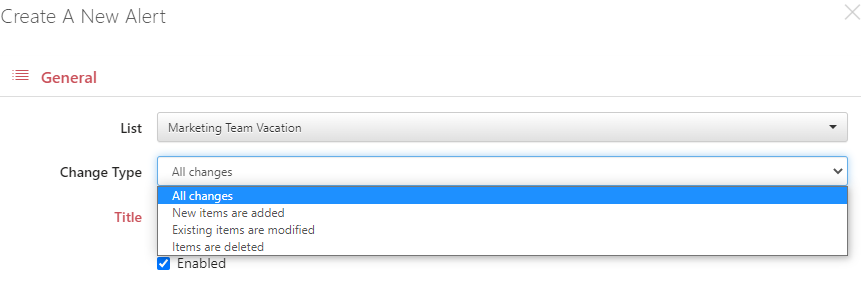
Alerts are email notifications that need a trigger to be sent. Since all alerts are related to a SharePoint list, the trigger may be one of the following:
- Someone adds a new item to the list.
- Someone modifies the existing item(s).
- Someone deletes an item from the list.
You also have the option to send an alert for all the above changes.
Example
You have a SharePoint list with banners. Designers add banners for every new promotion campaign, and you need to inform a content manager when a new banner is added. To automate this process, you create an alert of the “New items are added” change type and choose the content manager as a recipient.
Reminders
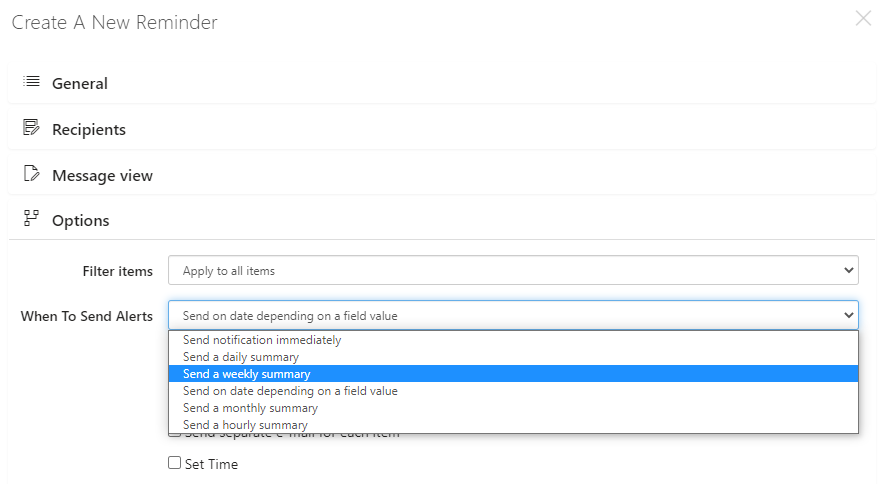
Reminders inform recipients about any upcoming events. You don’t need a trigger, but you need to define when to send a reminder.
Example
You have a list of subscriptions for the software products your team uses. Every subscription has an expiration date. You can inform yourself about expiring subscriptions to plan their renewals by creating a reminder sent three days before the expiration date.